35 years’ experience within the computer and printer industry.
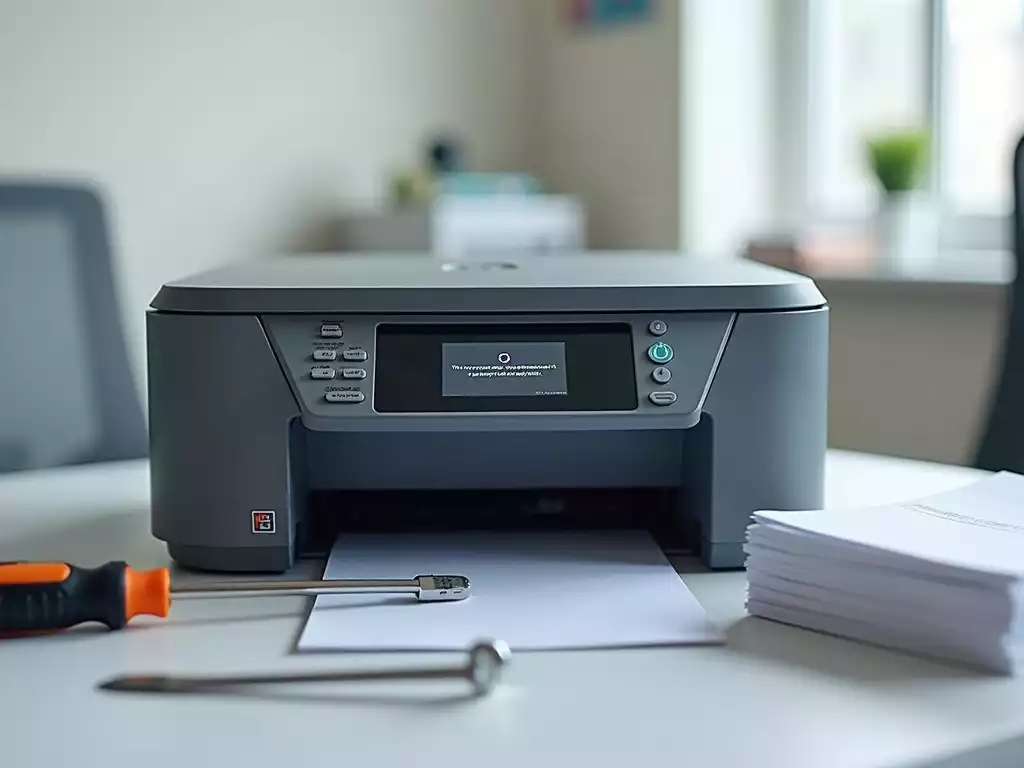
Effective printer management is more than just fixing problems; it involves understanding and anticipating issues before they disrupt your workflow. In busy office environments, quick troubleshooting can save time and reduce frustration, ensuring that everyone stays on track. Here’s what you’ll take away from this article.
What You Will Learn
- Recognize common printer issues such as offline status, paper jams, and blank pages.
- Identify symptoms early to facilitate quicker troubleshooting and minimize downtime.
- Implement effective problem-solving strategies to maintain a productive office environment.
- Utilize a troubleshooting checklist to streamline diagnosis and resolution of printer problems.
- Engage with online communities to share experiences and gain insights into printer management.
- Adopt preventive maintenance practices to avoid future disruptions and enhance printer longevity.
Understanding Common Office Printer Problems
When using an office printer, encountering problems can be frustrating. Common printer issues often manifest in various ways, such as a printer showing an offline status, experiencing paper jams, or unexpectedly printing blank pages. Recognizing these symptoms quickly is crucial for resolving the problem without significant delays. For comprehensive troubleshooting guides, resources like William & Mary IT Services offer valuable insights into common printer malfunctions.
Some common symptoms include:
- Printer Offline Status: The printer appears disconnected from the network or computer.
- Paper Jams: Sheets of paper get stuck inside the printer, blocking the printing process.
- Blank Pages: The printer produces pages without any text or images.
- Quality Issues: Prints may come out faded or streaked.
Understanding these symptoms can lead to quicker solutions, saving you valuable time and effort. By staying alert to these issues, you can maintain a smoother printing experience in your office.
Identifying Symptoms of Printer Issues
Identifying symptoms early is key to effective troubleshooting. When a printer malfunctions, it can disrupt workflows and lead to unnecessary frustration among users. For instance, a printer that frequently indicates it’s offline can cause delays in document preparation. Each symptom provides a clue that can help you pinpoint the issue more rapidly.
- Check for error messages on the printer or computer screen.
- Listen for unusual sounds, like grinding or beeping.
- Monitor the printer’s lights; they often indicate readiness or errors.
By keeping an eye on these signs, you can address issues before they escalate. This proactive approach not only saves time but also enhances overall productivity. For further assistance, Claflin University’s troubleshooting guides provide helpful information for diagnosing various printer problems.
The Importance of Problem-Solving in Office Environments
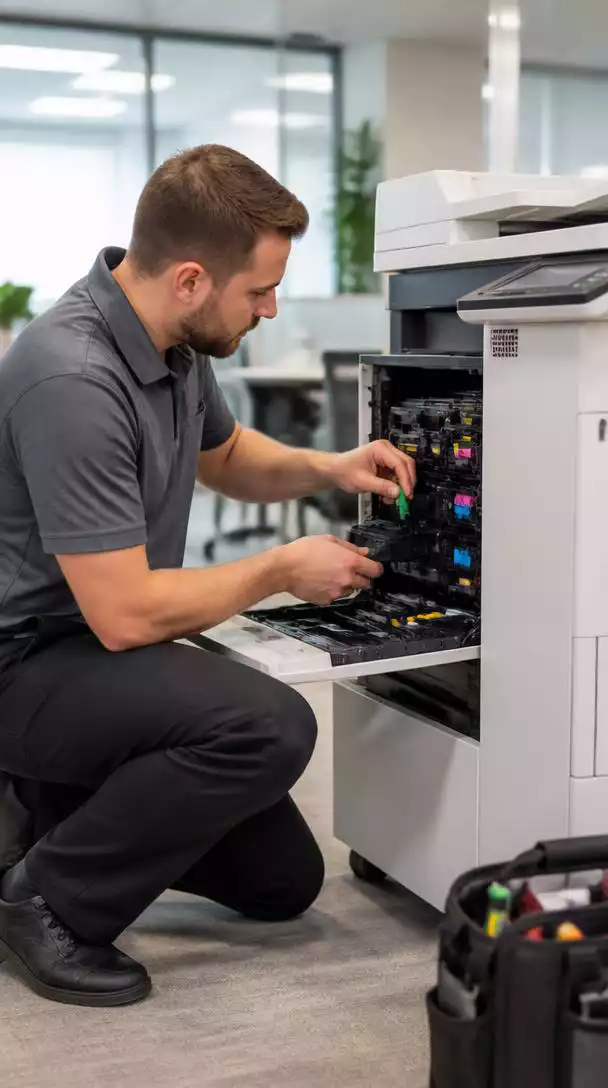
In a bustling office, quick problem-solving is essential for maintaining workflow. Every minute a printer is down can impact productivity and lead to frustration among team members. Efficient troubleshooting minimizes downtime and helps ensure that everyone stays focused on their tasks.
- Reduces stress levels among employees.
- Promotes a more efficient work environment.
- Encourages teamwork when troubleshooting as a collective effort.
With effective problem-solving strategies in place, employees can feel empowered and confident in resolving printer issues, ultimately leading to a more harmonious office atmosphere. For specific troubleshooting for office printers, Oakland University’s support guides offer detailed solutions.
We Want to Hear From You!
What’s the most unusual or frustrating printer problem you’ve ever encountered in your office? Share your experience:
Frequently Asked Questions About Printer Management
What are the most common printer issues in an office environment?
How can I identify printer problems early?
Why is quick problem-solving important for printer issues in an office?
What is a troubleshooting checklist and how can it help?
What are the benefits of engaging with online communities for printer help?
Summarizing Your Troubleshooting Journey
After going through the detailed troubleshooting steps, it’s time to recap the essential strategies we’ve discussed for effective office printer troubleshooting. Understanding the symptoms, implementing a systematic approach, and knowing when to escalate issues are crucial for keeping your printer running smoothly!
Here’s a quick summary of the steps we’ve covered:
- Identify symptoms like paper jams or connectivity issues.
- Utilize a fast diagnostic framework for quick fixes.
- Address specific problems with targeted solutions.
- Engage preventive maintenance routines to minimize disruptions.
This journey not only equips you with the necessary tools to tackle printer problems but also fosters a proactive mindset towards printer management!

Empowering Users with Practical Resources
Downloadable Office Printer Troubleshooting Checklist
To make your troubleshooting process even easier, I encourage you to download our branded troubleshooting checklist. This handy resource serves as a quick reference, ensuring you don’t miss any crucial steps while diagnosing printer issues. You can keep it right by your printer for instant access!
By having this checklist, you can:
- Quickly assess common printer problems.
- Follow a step-by-step guide to troubleshoot effectively.
- Save time and reduce frustration during printer emergencies.
Engage with User Experiences and Feedback
I’d love to hear from you! Please share your troubleshooting stories or questions. Engaging with one another can enhance our understanding of common issues and solutions. Your experiences could help others facing similar challenges, creating a supportive community around office printer management.
Feel free to drop a comment or ask for help—we’re all in this together!
Next Steps for Effective Printer Management
Effective printer management goes beyond just troubleshooting. It’s essential to embrace a proactive approach with regular check-ups and a good awareness of common issues that can arise. This way, you can stay ahead of potential problems and keep your workflow uninterrupted.
Consider these next steps for ongoing printer success:
- Schedule regular maintenance checks.
- Stay informed about the latest printer updates and best practices.
- Monitor printer performance and address issues promptly.
Exploring Online Forums and Resources for Printer Help
Finally, don’t forget about the wealth of information available online! Many forums, troubleshooting guides, and video tutorials can provide additional assistance. By tapping into these resources, you can:
- Gain insights from other users facing similar printer challenges.
- Find step-by-step guides to resolve complex issues.
- Learn about new technologies that can enhance your printing experience.
Arming yourself with knowledge and community support will make you a confident printer manager!
Recap of Key Points
Here is a quick recap of the important points discussed in the article:
- Identify Symptoms: Recognize common issues such as offline status, paper jams, blank pages, and quality problems.
- Proactive Monitoring: Keep an eye on error messages, unusual sounds, and printer lights to catch issues early.
- Efficient Troubleshooting: Use a systematic approach to address problems quickly and minimize downtime.
- Preventive