35 years’ experience within the computer and printer industry.
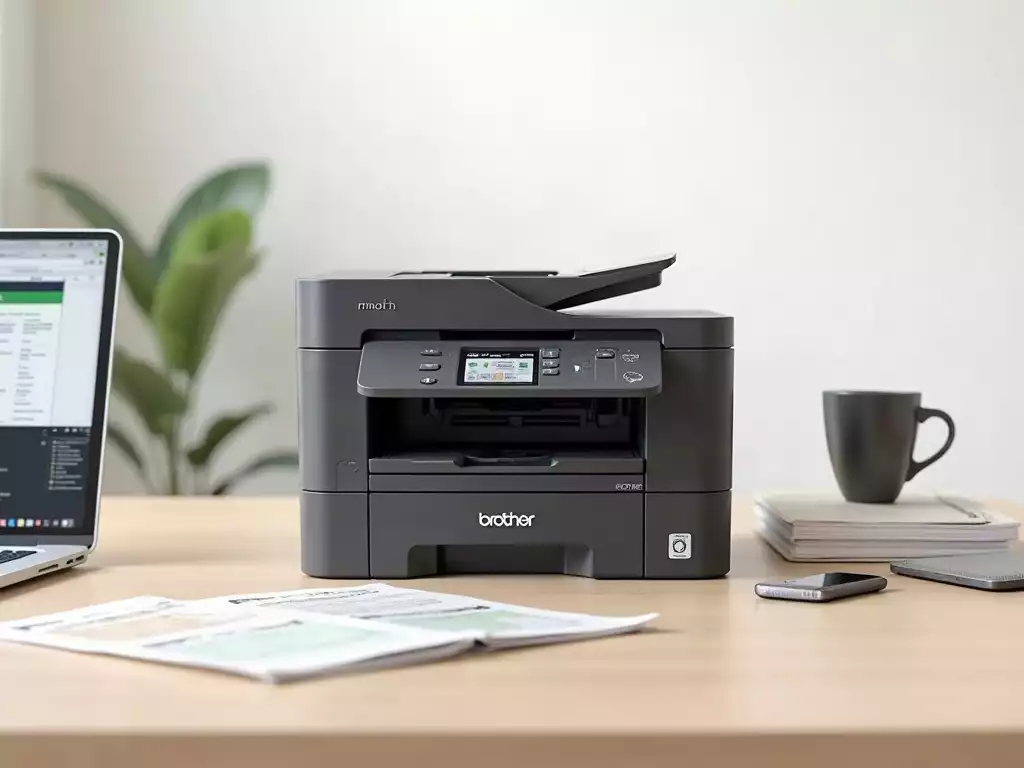
In a world where efficiency and functionality dictate our choices, the Brother MFC J6720DW stands out as a comprehensive solution for both home users and small businesses. With impressive multi-function capabilities and robust performance metrics, it’s designed to meet diverse printing needs. Let’s delve into the key insights that will help you understand what makes this printer a worthwhile investment.
What You Will Learn
- The Brother MFC J6720DW offers multifunction capabilities, including printing, scanning, copying, and faxing.
- It features a 500-sheet paper capacity and supports A3 printing, reducing the need for frequent refills.
- Connectivity options include Ethernet, Wi-Fi, and Wi-Fi Direct for seamless printing from multiple devices.
- High print quality is achieved with a resolution of up to 4800 x 1200 dpi, ensuring sharp text and images.
- Fast print speeds of up to 22 pages per minute (black) and 20 pages per minute (color) enhance productivity.
- Mobile printing features like AirPrint and Google Cloud Print offer convenience for on-the-go printing.
- Automatic duplex printing saves paper and supports eco-friendly practices while producing professional documents.
- High-yield ink cartridges provide long-term cost savings and reduce the frequency of replacements.
Understanding the Brother MFC J6720DW Printer
The Brother MFC J6720DW is a versatile printer that caters to both home users and small businesses alike. With its multifunction capabilities, it stands out as a reliable choice for those who need to print, scan, copy, and fax documents efficiently. In this section, we will dive deeper into its key features, specifications, and overall performance metrics!
Key Features of the Brother MFC J6720DW
Multifunction Capabilities: Printing, Scanning, Copying, and Faxing
This printer truly excels in its multifunctionality. Whether you need to print a presentation or scan important documents, the Brother MFC J6720DW does it all. For detailed information on its operation, you can consult the official Brother manuals. Here are some of its key functionalities:
- Prints in both black and color with high-quality output
- Scans at impressive resolutions, ensuring document clarity
- Copies quickly, making it a time-saver for busy environments
- Faxes documents with ease, ideal for formal communications
The ability to handle various tasks efficiently means you won’t need multiple devices cluttering your workspace. Plus, the user-friendly interface makes switching between these functions effortlessly simple!
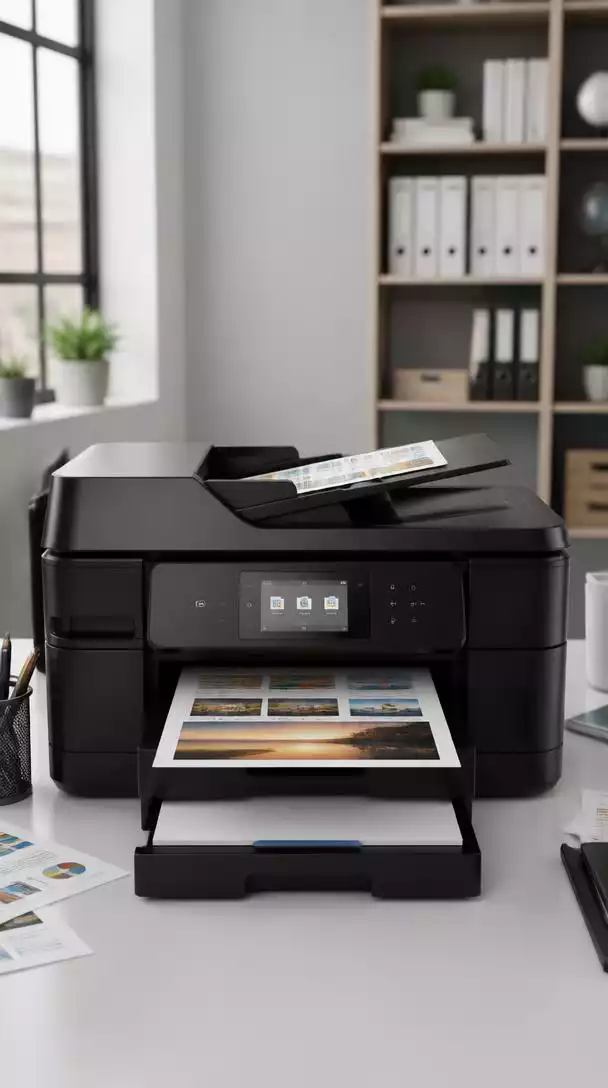
Connectivity Options: Ethernet, Wi-Fi, and Wi-Fi Direct
Connectivity is a crucial aspect of modern printers, and the Brother MFC J6720DW does not disappoint. You can connect your printer using:
- Ethernet for a stable, wired connection
- Wi-Fi for wireless printing from anywhere in your home or office
- Wi-Fi Direct for a quick, hassle-free connection without a network
These options provide flexibility and convenience, allowing you to print directly from various devices, including laptops, smartphones, and tablets!
Print Quality and Speed: Performance Metrics Explained
When it comes to performance, the Brother MFC J6720DW offers impressive print quality and speed. It can produce documents with a resolution of up to 4800 x 1200 dpi, ensuring that text and images are sharp and clear. Plus, you can expect:
- Fast print speeds of up to 22 pages per minute (black) and 20 pages per minute (color)
- Automatic duplex printing to save time and paper
- Consistent quality across various paper types
This combination of speed and quality makes it a top choice for those who value efficiency without sacrificing output standards!
Mobile Printing Features: AirPrint and Google Cloud Print
In today’s mobile world, having the ability to print from your smartphone or tablet is essential. The Brother MFC J6720DW supports AirPrint and Google Cloud Print, allowing you to send documents directly from your mobile devices. Here are the benefits:
- Convenience of printing from anywhere in your home or office
- Simple setup with no need for additional software
- Support for a wide range of apps and document formats
This feature is especially handy for busy professionals who need to print on the go!
Specifications Overview
Paper Handling: 500-Sheet Capacity and A3 Printing
The Brother MFC J6720DW boasts a generous 500-sheet capacity, which means less frequent paper refills. It also supports A3 printing, making it ideal for larger documents. Consider these advantages:
- Accommodates various paper sizes, from A4 to A3
- Reduces downtime by holding more paper
- Perfect for presentations, charts, and more
This feature is particularly useful in environments where larger print jobs are common!
Duplex Printing: Benefits and Usage Scenarios
Automatic duplex printing is another standout feature of the Brother MFC J6720DW. This not only saves paper but also enhances productivity. Here are some key benefits:
- Reduces overall printing costs by minimizing paper usage
- Allows for professional-looking double-sided documents
- Ideal for reports, brochures, and educational materials
In today’s eco-conscious world, this feature is a major plus!
Memory and Processing: What You Need to Know
Equipped with ample memory and processing power, the Brother MFC J6720DW can handle large print jobs with ease. It includes:
- 256MB of memory for quick processing
- Fast CPU to manage complex tasks without lag
This means you can expect smooth operation even when dealing with high-volume printing tasks!
High-Yield Ink Cartridges: Cost Efficiency and Longevity
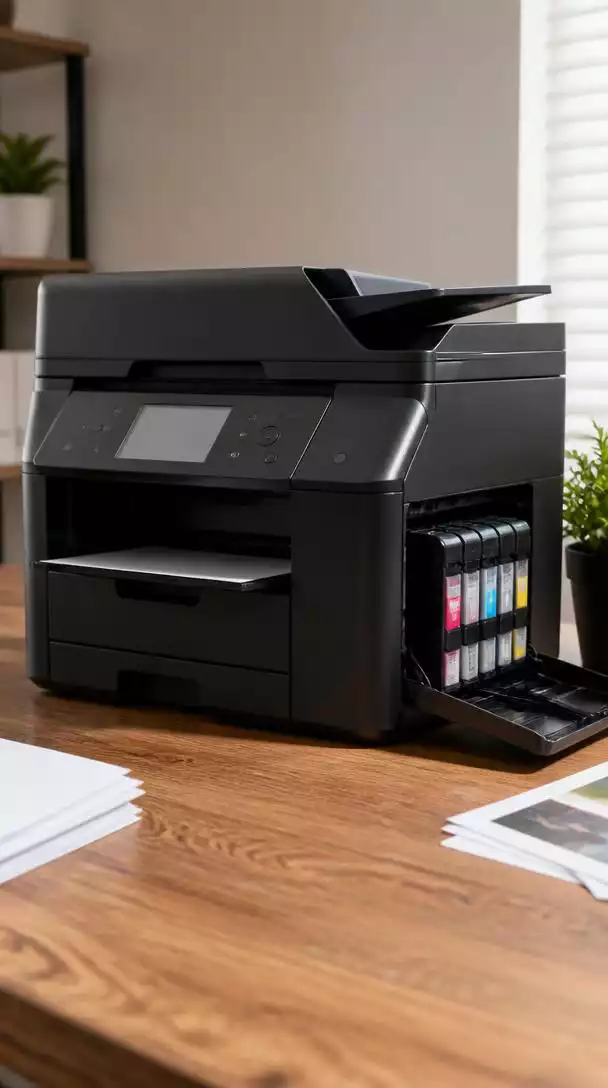
Finally, let’s talk about ink. The Brother MFC J6720DW uses high-yield ink cartridges, which provide significant savings in the long run. For frequently asked questions about this model, including details on consumables, you can visit the Brother support page. Consider these aspects:
- Less frequent cartridge replacements save time and money
- Produces more prints per cartridge, lowering the cost per page
- Available in standard and high-yield options for different needs
This efficiency means you can focus on your work rather than constantly worrying about running out of ink!
We Want to Hear From You!
Considering the Brother MFC J6720DW’s extensive features, which one do you find most crucial for your daily printing needs (e.g., multifunctionality, connectivity, A3 printing, or mobile printing)?