35 years’ experience within the computer and printer industry.
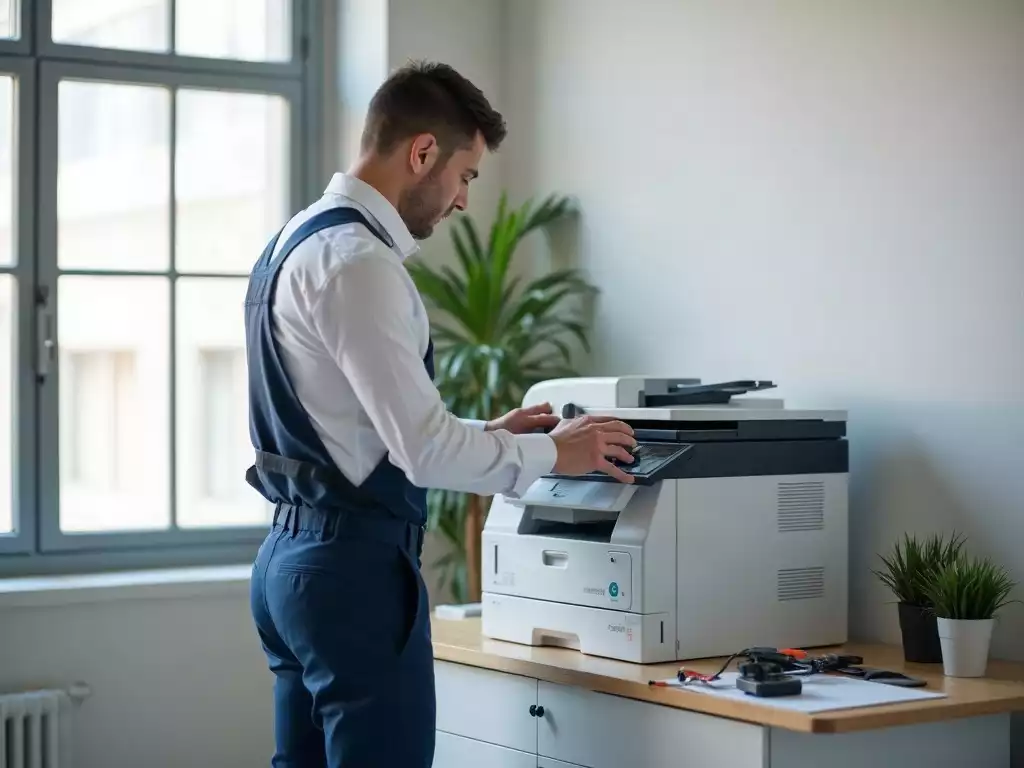
Regular maintenance is crucial for keeping your Brother office printer running efficiently. Did you know that a simple servicing schedule can prevent costly repairs and downtime? Understanding the ins and outs of printer servicing can lead to improved workflow and productivity!
What You Will Learn
- Routine servicing can identify issues before they escalate into major problems.
- Regular maintenance enhances print quality and reduces the frequency of mechanical failures.
- Prompt service supports a stable work environment, minimizing unexpected disruptions.
- Understanding common error messages and codes can streamline troubleshooting processes.
Understanding Brother Office Printer Servicing and Support
When it comes to managing your office workflow, understanding Brother office printer servicing is vital. These printers are known for their reliability, but like any machine, they require proper care and maintenance to perform at their best. In this section, we’ll dive into what printer servicing involves and why keeping up with regular maintenance can save your business time and money.
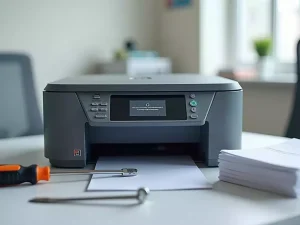
Printer servicing for Brother models includes a variety of tasks designed to ensure your printer runs smoothly. This can range from replacing consumables like toner and drum units to performing software updates and addressing mechanical issues. Knowing what to expect from servicing can empower you to maintain your printer effectively!
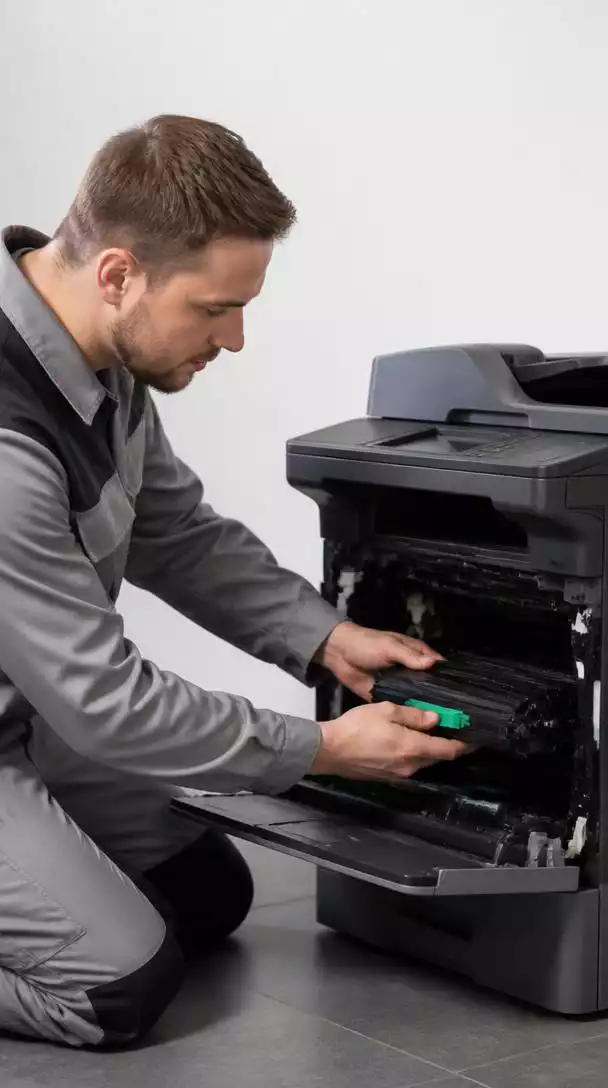
What is Brother Office Printer Servicing?
Understanding the specifics of Brother office printer servicing is important for any business that relies on these machines. Printer servicing includes both preventative maintenance and repairs, ensuring that your equipment remains in top working condition. Regular servicing helps to prevent potential issues from escalating into major problems.
- Routine cleaning to avoid dust buildup
- Replacing parts like toner and fusers
- Software updates to enhance performance
- Diagnostic checks for early issue detection
By scheduling routine servicing, you minimize the risk of unexpected breakdowns and extend the lifespan of your devices. This proactive approach means you’re less likely to experience frustrating delays during critical work periods.
Defining Printer Servicing for Brother Models
Printer servicing for Brother models specifically refers to the tailored care that keeps these printers functioning optimally. The servicing process includes examining mechanical components, updating firmware, and ensuring that all consumables are fresh and properly installed. It’s not just about fixing problems—it’s about enhancing performance!
To ensure the longevity of your printer, consider working with certified technicians who specialize in Brother models. They have the training and tools to perform necessary maintenance efficiently, allowing you to focus on your work.
Importance of Regular Maintenance for Office Printers
Regular maintenance is not just a good practice; it’s essential for the efficiency of your Brother office printers. Neglecting maintenance can lead to decreased print quality, increased downtime, and even costly repairs. By investing time and resources into routine servicing, you can prevent these issues before they arise.
- Improved print quality and color accuracy
- Reduction in paper jams and mechanical failures
- Increased lifespan of printer parts
- Stability of performance during high-demand periods
To keep your office running smoothly, I recommend scheduling servicing at least once every six months. This ensures that your printer remains in tip-top shape and helps you avoid the stress of unexpected disruptions!
Identifying Common Issues with Brother Printers
Even with regular servicing, issues can still arise with Brother printers. The good news is that many of these problems are common and can often be diagnosed quickly. Knowing what to look for can save you valuable time and resources.
Let’s explore some common printing problems and how to identify them. Understanding these issues will help you take action sooner, preventing further complications down the line!
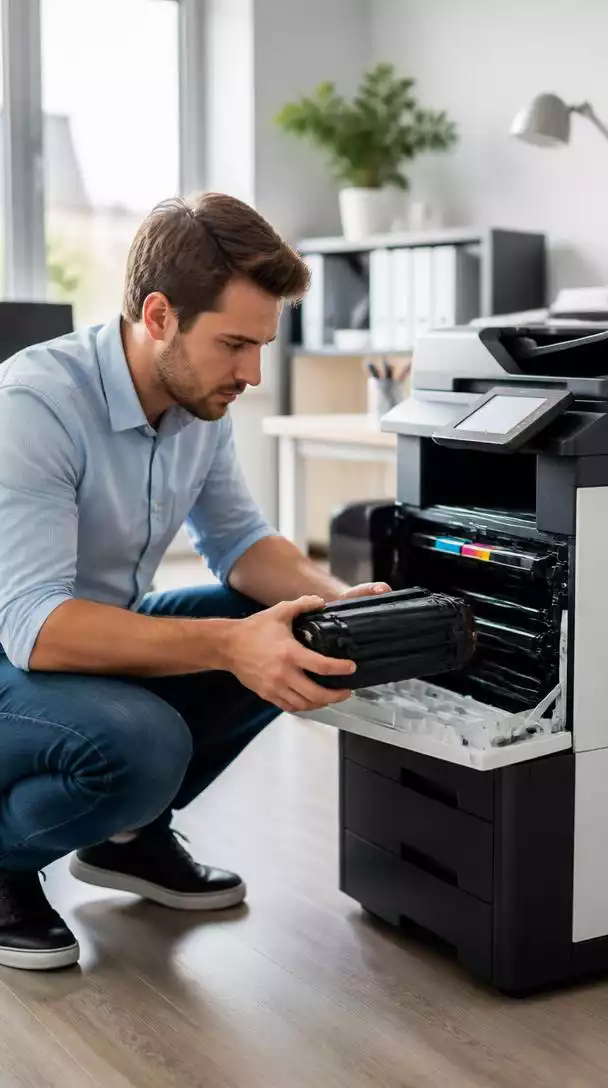
Diagnosing Printing Problems: What to Look For
When diagnosing issues with your Brother printer, there are several key signs to watch out for. Recognizing these early can help you tackle potential problems head-on. Here are some of the most common symptoms:
- Inconsistent print quality (blurry or faded prints)
- Frequent paper jams during operation
- Unusual noises coming from the printer
- Connectivity issues with your network
If you notice any of these signs, it’s best to address them right away. Often, a simple troubleshooting step can resolve the issue before it turns into a more significant problem!
Common Error Messages and Solutions
Brother printers may display various error messages that can be confusing. Familiarizing yourself with these can save you time troubleshooting. Here’s a list of some typical error messages and how to resolve them:
- “Paper Jam”: Check for any stuck paper and clear the feed path.
- “Toner Low”: Replace or refill toner cartridges.
- “Offline”: Ensure the printer is connected to the network and powered on.
- “Print Unable 3A”: Check for any foreign objects inside the printer.
By knowing how to interpret and respond to these messages, you’ll be better equipped to handle minor issues as they arise! For more detailed guidance, you can often find solutions on the Brother support website’s FAQ section, which covers a wide range of common printer issues.
Understanding Brother Printer Error Codes and Their Meanings
Each error code on Brother printers has a specific meaning that can guide you in troubleshooting the issue. Here are a few common error codes you might encounter:
- Error 21: Indicates a problem with the drum unit.
- Error 46: Refers to a fuser unit issue.
- Error 50: Indicates a problem with the internal cooling fan.
Understanding these error codes can help you make informed decisions on whether to attempt repairs yourself or seek professional servicing!
Frequently Asked Questions About Brother Office Printer Servicing
What does Brother office printer servicing involve?
Why is regular maintenance important for my Brother printer?
How often should I schedule servicing for my Brother office printer?
What should I do if my Brother printer displays an error message or code?
Where can I find authorized Brother service centers or customer support?
We Want to Hear From You!
What’s the most challenging Brother printer error message or issue you’ve encountered, and how did you resolve it?
Summarizing Your Brother Office Printer Servicing Journey
As we wrap up our discussion on Brother office printer servicing, it’s essential to remember the key aspects that impact your printer’s performance. Regular servicing not only prolongs the life of your printer but also helps prevent unexpected downtimes that can disrupt your workflow. Here’s a concise summary of what we’ve covered.
Key Takeaways on Brother Printer Maintenance
Understanding the importance of prompt service and support can make a significant difference in your printer operation. Brother printers are built for durability, but even the best devices require occasional support to keep them running smoothly.
- Timely servicing helps in identifying issues before they escalate.
- Regular maintenance ensures consistent print quality and speed.
- Utilizing professional support can save you time and money in the long run.
By adhering to a maintenance schedule, you can optimize your printing experience and avoid unnecessary expenses associated with major repairs.
The Importance of Prompt Service and Support
When your printer encounters an issue, it’s vital to act quickly. Delays can lead to longer downtimes and increased frustration. I recommend keeping the contact information of your local Brother support handy. This way, you can quickly reach out for assistance when needed.
Regular Maintenance as a Cost-Effective Strategy
Investing in regular maintenance is not just about keeping your printer functioning; it’s a strategic move that ultimately saves money. By catching small issues early, you prevent costly repairs down the line. This proactive approach is something I’ve personally found invaluable in maintaining my printer. Businesses can also explore <a href